

Automating client billing reminders has three honest routes: your accounting software's native reminders (free, rigid), accounts-receivable software like Chaser (unlimited dunning, per-invoice), or an AI agent lane that treats billing days as scheduled operations with human approval. Which one fits depends on whether your billing is identical every month or needs preparation and judgment.
56%
of US small businesses have outstanding unpaid invoices, with an average of $17,500 owed per affected business, per QuickBooks' Small Business Late Payments Report.
Source: QuickBooks, Small Business Late Payments Report 2025iShort answer
Reminder tools remind the CLIENT. The actual billing-day job is bigger: know whose day it is, prepare the invoice with context, nudge the right person, escalate when nothing lands, and keep a record. Native reminders and AR software automate the email; an AI agent lane automates the OPERATION, with a human approving every send. For identical monthly dunning, the tools win on simplicity. For per-client billing days with preparation and judgment, MissionControlHQ runs it as one lane of a squad.
Key takeaways
| Route | What it automates | What stays manual |
|---|---|---|
| Accounting-native reminders | One email per invoice around the due date | Everything before the invoice, all judgment, escalation |
| AR software (e.g. Chaser) | Unlimited scheduled dunning, segments, payment links | Invoice preparation, billing-day awareness, tone decisions |
| AI agent lane (MissionControlHQ) | Billing-day runs, context-rich drafts, escalation tasks, the ledger | The approval tap: a human clears every send |
| Spreadsheet + memory | Nothing | Everything, which is why 56% sit on unpaid invoices |
What actually has to happen every month, per client, and who does it on each route.
Know whose day it is
Every client bills on a different day of month. Someone (or something) has to wake up knowing that.
Prepare with context
The right amount, the right recipient, this month's particulars, last month's payment behavior.
Send with judgment
A first nudge to a reliable client reads differently from a third nudge on a 45-day-old invoice.
Escalate and record
Unpaid after N days becomes a follow-up with history attached, and the month closes with a ledger.
Why billing reminders get dropped
Billing reminders get dropped because they are calendar-shaped work living in a person's head. Each client bills on their own day of month; each invoice needs its amount confirmed and sometimes prepared; each reminder needs the judgment call of tone. None of it is hard, and all of it competes with actual client work, which is why it loses.
The numbers say how badly it loses: 56% of US small businesses carry outstanding unpaid invoices, averaging $17,500 owed, and 55% of B2B invoiced sales in the US are past due. Most of that is not deadbeat clients; over 75% of late invoices get paid within two weeks of the due date once someone actually follows up. The money is late because the follow-up is late.
What to look for in billing-reminder automation
Billing-reminder automation earns its keep against five requirements. Score any route you consider against these:
- Billing-day awareness, per client. The system knows the 11th is one client's day and the 26th is another's, without a human calendar.
- Preparation, not just sending. The reminder arrives ready: right amount, right recipient, this month's context, payment history attached.
- Human judgment where it matters. Tone toward a client is a relationship decision; the automation should draft, a human should clear.
- Escalation as a default. Unpaid after N days must become someone's explicit task, not a hope.
- A record. What fired, when, to whom, and what happened, without assembling it from sent-mail folders.
Route 1: your accounting software's native reminders
Accounting-native reminders are the zero-extra-cost option, and for simple cases they genuinely work. QuickBooks can schedule reminder emails up to 90 days before or after an invoice's due date with customizable text.
The limits show up at operator scale: on Desktop, a reminder fires once per invoice rather than repeating until paid, and reminder schedules cap at five, which gets unwieldy across multiple aging periods. Nothing here knows a billing day exists before the invoice does, prepares anything, or escalates.
Verdict: right for a handful of identical invoices where one nudge usually suffices.
Route 2: AR automation software
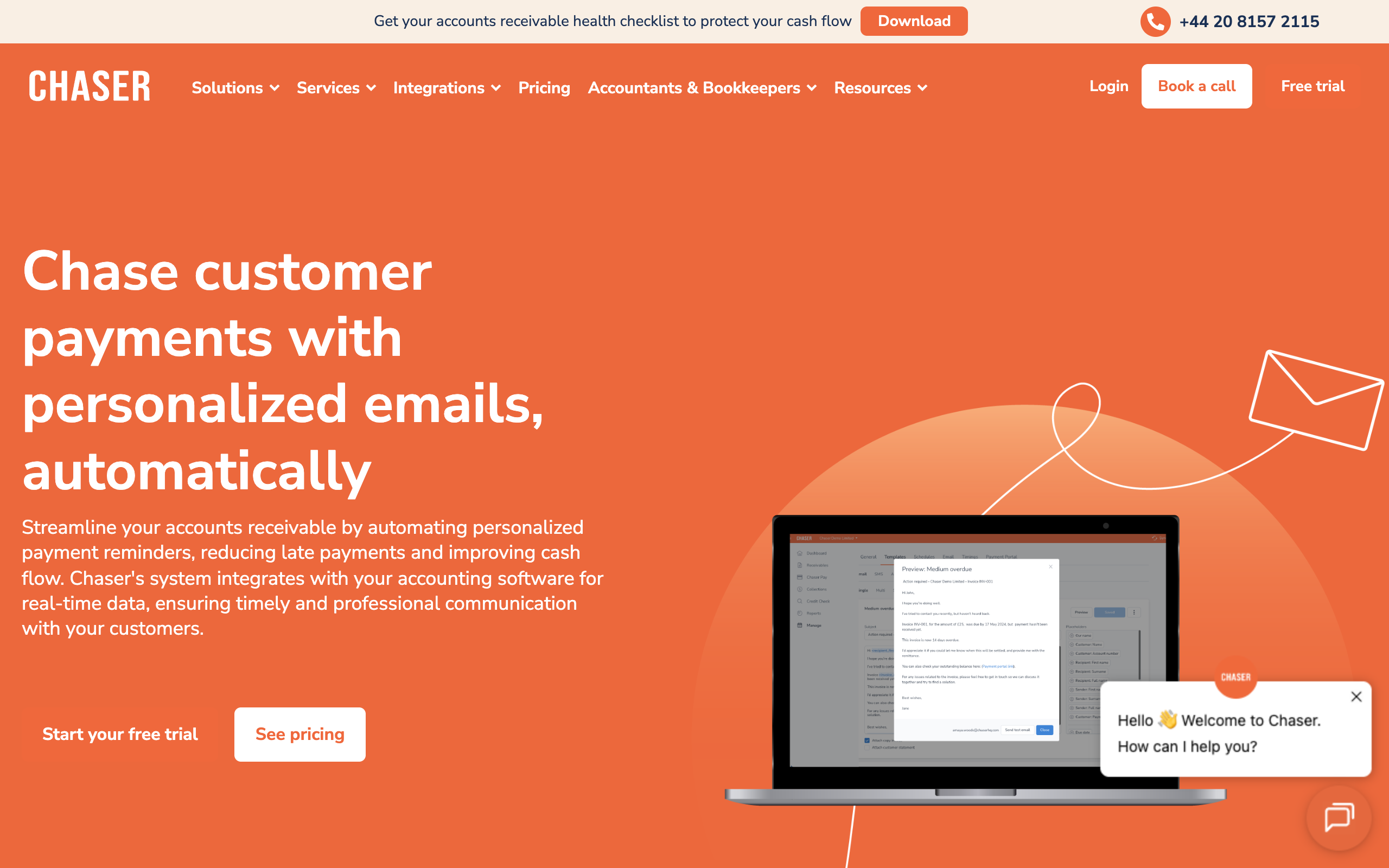
Dedicated accounts-receivable software is the serious version of route 1. Chaser, a representative example, syncs with QuickBooks Online hourly, sends unlimited scheduled reminders before, on, and after due dates, segments customers (good payers vs bad payers get different cadences), adjusts the sending identity per relationship, and embeds payment links.
That solves the chasing of issued invoices well. What it does not touch: anything before the invoice exists (billing-day awareness, preparation), and anything requiring judgment (the third nudge on a sensitive account is still a template on a timer). It is one tool for one job, priced as its own subscription.
Verdict: right when invoice volume is high, reminders are uniform, and the pre-invoice work is already handled.
Route 3: the AI agent lane
The AI agent lane treats billing not as emails but as an operations lane owned by an agent. In MissionControlHQ, the pattern looks like this:
- One scheduled run per client billing day. The ops agent's crons encode the calendar: this client on the 11th, that one on the 26th. The agent wakes knowing whose day it is.
- Context-rich preparation. The run produces a draft with the amount, the recipient, and the history, posted as a task on the shared board.
- The waiting-on-human gate. The draft waits. You approve with a tap, edit it, or make the call yourself with everything prepared. Nothing reaches a client unreviewed.
- Automatic escalation. Unpaid after your threshold becomes a follow-up task with the thread attached, assigned and visible.
- The ledger. Every run is recorded with its trigger, outcome, and cost; month-end review is reading, not reconstructing.
The difference from routes 1-2 is the shape: the same squad that runs billing also runs your content calendar, support checks, and reporting, so billing is one lane on a board you already watch, not another SaaS tab. Reminders can go out via the agent's own email inbox (a paid add-on) or land as prepared drafts wherever you send from. And because agents read token-filtered task views, the lane runs on the flat-rate AI plan the squad already uses.
Verdict: right when billing days differ per client, invoices need preparation, follow-ups need judgment, and you want one operations surface instead of another point tool.
What the first month looks like on the agent lane
The setup is deliberately unglamorous. Week one: write the client list (name, billing day, amount or basis, prep notes) and hand it to the squad's ops agent; each row becomes a scheduled run. Week two: the first billing days fire, drafts appear as waiting-on-human tasks, and you discover which clients' invoices need context the agent should capture (a PO number, a portal upload, a specific CC). Week three: the drafts arrive correct on the first pass, approval takes seconds, and the first escalation task appears for whoever ignored week one's reminder. Week four: month-end review is reading the runs ledger instead of reconstructing sent-mail folders, and the lane runs itself except for the taps.
The compounding part: the same client list now powers other lanes. Payroll dates, client report days, and renewal dates are the same calendar-shaped work, and the squad that learned your billing calendar already knows your clients.
What each route costs
With published prices as of July 2026:
| Route | Typical cost | Covers |
|---|---|---|
| Accounting-native reminders | $0 on top of your accounting plan | One nudge per invoice around the due date |
| AR software (Chaser-class) | Tens to low hundreds $/mo, per entity | Unlimited dunning on issued invoices |
| MissionControlHQ squad | $199-299/mo all-in ($99 flat + a $100-200 flat AI plan) | The billing lane PLUS every other lane the squad runs |
The squad is not the cheap option for billing alone; it is the sensible option when billing is one of several lanes. Against the alternative for the full set of lanes, a part-time ops hire at even $2,000/mo, the squad runs at roughly a tenth of the cost.
One recovered invoice pays for months
The average affected small business carries $17,500 in unpaid invoices (QuickBooks, 2025). At $199-299/mo all-in, recovering a single mid-size overdue invoice covers a quarter or more of the squad.
How to choose
What does your billing actually look like?
- If a few identical invoices, clients mostly pay→accounting-native reminders
- If high invoice volume, uniform dunning→AR software (Chaser-class)
- If per-client billing days, prep and judgment involved→MissionControlHQ agent lane
Should anything reach clients unreviewed?
- If yes, templates on timers are fine→AR software automates fully
- If no, a human clears every send→the agent lane's waiting-on-human gate
Is billing the only lane you need run?
- If yes, just billing→a point tool is simpler
- If no, content/support/reporting too→one squad, several lanes
Use-case cheat sheet
| Scenario | Best pick | Why |
|---|---|---|
| Freelancer, 3 clients, same invoice monthly | Accounting-native reminders | Zero cost, one nudge usually collects. |
| Agency with 40 clients on uniform net-30 | AR software | Volume dunning with segmentation is its exact job. |
| Operator with per-client billing days and custom invoices | MissionControlHQ | Crons encode the calendar; drafts arrive prepared; you approve. |
| Sensitive accounts where tone is a relationship call | MissionControlHQ | Draft-for-approval keeps judgment human without losing the schedule. |
| Chronic 60-day-late payers needing structured escalation | AR software or agent lane | Both escalate; pick by whether judgment or volume dominates. |
| Billing plus payroll dates plus client reporting | MissionControlHQ | Calendar-shaped ops belong on one board, not three tools. |
Frequently asked questions
Basics
What is the best way to automate client billing reminders? It depends on the shape of the job. If reminders are identical dunning emails per invoice, accounting-native reminders or AR software like Chaser handle it well. If billing days differ per client, invoices need preparation, and follow-ups need judgment, that is an operations lane, and an AI agent squad with per-client scheduled runs and human approval gates fits better.
Can QuickBooks send automatic payment reminders? Yes, within limits. QuickBooks reminders can be scheduled up to 90 days before or after an invoice due date. On Desktop, a reminder fires once per invoice rather than repeating until paid, and reminder schedules are capped at five, which gets unwieldy across many aging periods.
What does AR automation software like Chaser do? Chaser syncs with accounting software such as QuickBooks Online, then sends unlimited scheduled reminder emails before, on, and after due dates, with customer segmentation, adjustable senders, and embedded payment links. It automates the chasing of issued invoices; it does not prepare invoices, watch billing days, or exercise judgment.
The agent lane
How do AI agents handle billing reminders differently? An agent lane starts before the invoice exists: a scheduled run fires on each client's billing day, prepares the reminder with context (client, amount, payment history), and posts it as a task waiting on human approval. Escalations become follow-up tasks automatically, and a runs ledger records every reminder that fired, per client, with cost.
Do agents send billing emails to my clients without approval? Not in a sane setup. The pattern that works is draft-for-approval: the agent prepares the message and the task waits on a human. In MissionControlHQ this is the waiting-on-human gate; you approve with one tap or handle it yourself with everything prepared.
What does an AI billing lane cost compared to AR software? AR tools price per entity or invoice volume, typically tens to low hundreds of dollars monthly. A MissionControlHQ squad is $99/mo flat plus the recommended $100-200 flat AI plan it runs on ($199-299/mo all-in), and the billing lane is one of many lanes the same squad runs, alongside content, support, and reporting.
Sources
- QuickBooks: Small Business Late Payments Report 2025, Desktop reminder limitations (community)
- The Kaplan Group: B2B payment delay statistics
- Chaser: automated email payment reminders
- MissionControlHQ: homepage, early access
- Related on this site: Why MissionControlHQ, Mission Control for OpenClaw, Mission Control for ChatGPT Work
Last updated: July 2026. Pricing and features verified as of July 2026.