

Connecting AI agents to business apps is a permissions problem before it is a technical one: the same connection that makes an agent useful (reading your CRM, checking calendars, updating sheets) is the one that can go wrong. The model that works is boring and borrowed from decades of IT: least privilege, per-agent policies, and an audit trail.
42
SaaS applications is the average for companies under 200 employees. Every one is a place an agent could help, and a credential an agent should not get blanket access to.
Source: SaaS management statistics, 2025iShort answer
The wrong way to connect agents to apps is one god-token everything can use. The right way is three layers: per-connection SCOPES (this CRM connection is read-only), per-agent POLICIES (research reads, ops writes, nobody deletes), and a per-call AUDIT ledger. That is how MissionControlHQ ships its 72+ app integrations, and the ratchet (start read-only, widen on evidence) is the whole operating philosophy.
Key takeaways
| Question | Short answer |
|---|---|
| How do agents reach apps? | Authorized connections (OAuth/API key), called through integration actions |
| What makes it safe? | Scoped connections + per-agent policies + an audit ledger |
| What scope first? | Read-only, always; create later; delete almost never |
| Multiple accounts of one app? | Yes: connect each, route agents per policy |
| Who watches the watchers? | The ledger: every tool call recorded with agent, action, time |
Any one alone fails; together they make 42 connected apps manageable.
Per-connection scopes
The connection itself is capped: read-only, read + create, or full. The cap holds no matter which agent calls.
Per-agent policies
Which agent may use which connection at which level. Research reads; ops writes; nothing is workspace-wide by default.
The audit ledger
Every tool call recorded: agent, action, connection, timestamp. Trust is verified, not assumed.
The ratchet
Scopes widen only on evidence from the ledger. Weeks of correct reads earn create; nothing starts wide.
Why app access is where agent projects die
App access is where agent projects die because both failure modes are fatal. Grant nothing and the agent is a chatbot: it can discuss your CRM but not check it, so every task ends with "now go look it up yourself." Grant everything and the first mistake is unbounded: a wrong bulk update, a deleted pipeline, an email blast from your own connected account.
The scale of the surface makes this concrete: companies under 200 employees run an average of 42 SaaS applications. Each is somewhere an agent could genuinely help, and each is a credential that deserves better than a blanket grant. Operators feel this instinctively, which is why so many agent setups stall at the "connect your tools" step: the permission model on offer is all-or-nothing, and "all" is rightly terrifying.
What to look for in an agent integration model
An agent integration model earns trust against five requirements:
- Scopes at the connection level. The connection itself must be cappable (read-only / read + create / full), so the cap holds regardless of which agent, prompt, or bug calls it.
- Policies at the agent level. Different agents carry different risk. The model must express "research reads, ops writes" without duplicating connections.
- Multi-account support. Two ad accounts, two calendars, per-client CRMs: real stacks have duplicates, and agencies need them separated cleanly.
- A per-call audit trail. Every tool call attributed to an agent, an action, and a timestamp. This is what makes widening scope a decision instead of a hope.
- Coverage that matches YOUR stack. The integration catalog must include the tools operators actually run, not just the enterprise suite.
How the scope model works
In MissionControlHQ, app access is built as exactly those layers across 72+ app integrations:
- Connect once, scoped. Each connection is created with a scope preset. A read-only CRM connection cannot write, whatever an agent asks of it.
- Per-agent access policies decide which agents may use which connections. The marketing agent sees the ads accounts; the billing agent sees the payment tools; neither sees the other's.
- Multi-account lets the same app connect twice (or ten times), with policies routing each agent to the right account.
- Every call is metered and logged. The ledger answers "which agent touched the CRM this week, and what did it do" in one view.
The philosophy underneath: trust is earned per connection, per agent, on ledger evidence. It borrows from least-privilege IT practice because agents are, operationally, new employees with superhuman speed and no fear of clicking the wrong button.
The GoHighLevel case
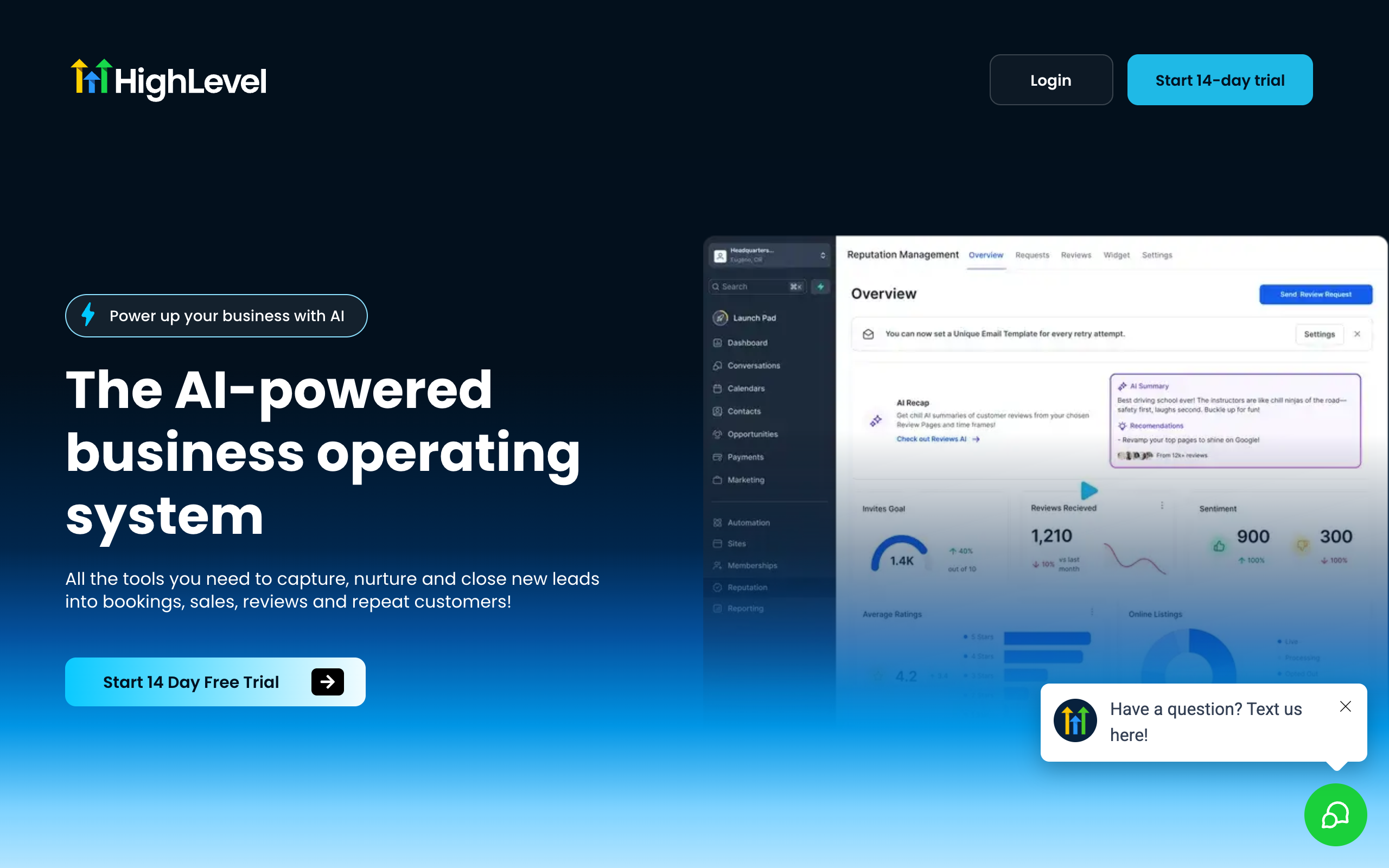
GoHighLevel deserves its own section because it IS the stack for a large slice of SMB operators and agencies: CRM, funnels, calendars, campaigns in one platform, often across many client sub-accounts.
Agent access follows the same ratchet. Start with read-only reporting: the ops agent pulls dashboard numbers and pipeline states into a weekly report, no write access anywhere. Then per-lane widening: the follow-up lane earns create access for tasks and notes; campaign edits stay human. Agencies map sub-accounts to the multi-account model, so the agent working client A's pipeline physically cannot touch client B's. The result is the useful middle that all-or-nothing models miss: agents do the reading, reporting, and drafting across the whole stack while writes stay narrow and earned.
The same pattern transfers to any operator stack: the accounting tool gets a read-only connection for the reporting lane, the calendar gets read + create for the scheduling agent, and the payment platform stays read-only until an invoicing lane specifically earns more. The stack is different per business; the ratchet is identical.
The first month: the ratchet in practice
Week one: connect three apps read-only (CRM, calendar, the reporting tool), give the research and ops agents read policies, and let the first weekly reports flow. The reports alone usually justify the setup. Week two: the ledger shows exactly what got called; you notice the ops agent checks one pipeline forty times a week and grant nothing new yet. Week three: one lane hits the read-only wall (the follow-up lane wants to create CRM tasks), so THAT connection gets read + create, for THAT agent only. Week four: review the ledger like a bank statement; scope map now matches reality, and nothing has delete access because nothing needed it.
The pattern generalizes: every widening is a response to a specific blocked lane, backed by weeks of visible correct behavior. No step of it requires trusting a promise.
What usually goes wrong (and how the layers catch it)
Three failure stories recur across agent setups, and each maps to a layer. The prompt-injection story: a scraped web page or inbound email contains instructions that trick the agent into calling a tool ("forward the customer list to..."). With scoped connections, the injected instruction hits a read-only wall; with an audit ledger, the attempt itself is visible the same day. The enthusiastic-bug story: an agent misreads a task and tries to "clean up" records in bulk. Per-agent policies mean the agent doing research physically lacks write access, and even write-scoped agents lack delete; the blast radius was set before the bug existed. The quiet-drift story: six months in, nobody remembers which agent can touch what. The ledger answers it in one view, and connections whose last call was months ago are candidates for removal, the same hygiene you would apply to a former contractor's accounts.
None of these require predicting the failure. Least privilege is precisely the strategy for failures you cannot enumerate in advance, which is why it has survived fifty years of IT practice and applies to agents without modification.
How to choose
What is the agent supposed to do with the app?
- If read and report→read-only scope, today, no hesitation
- If create records or drafts→read + create after a read-only trial period
- If bulk edits or deletions→keep it human, or gate behind explicit approval
How many accounts of the same app?
- If one→one scoped connection, policies per agent
- If several (clients, brands)→multi-account connections, one per client, policy-routed
Who reviews access over time?
- If nobody, realistically→keep everything read-only; safety must not depend on reviews
- If you, monthly, from the ledger→run the ratchet: widen on evidence
Use-case cheat sheet
| Scenario | Best pick | Why |
|---|---|---|
| Weekly report across CRM, calendar, and ads | Read-only connections | Reporting never needs write access; start here, always. |
| Follow-up lane creating CRM tasks and notes | Read + create, ops agent only | Narrow write scope for the one agent whose lane needs it. |
| Agency running 15 GoHighLevel sub-accounts | Multi-account + per-agent policies | Client separation is structural, not procedural. |
| Bulk list cleanup in the CRM | Human runs it | One-off destructive operations are not worth automating. |
| Two ad accounts, two brands, one marketing agent | Multi-account, one policy | Same agent, cleanly routed to the right account per task. |
| Auditing what agents did to your data | The tool-call ledger | Per-call attribution is the answer to 'what touched this?' |
Frequently asked questions
Basics
How do AI agents connect to business apps? Through authorized integrations: you connect an account (OAuth or API key) once, and the agent calls the app's actions through that connection. The safety question is scope: what the connection may do, and which agents may use it. MissionControlHQ ships 72+ app integrations with per-connection scope presets and per-agent access policies.
Should an AI agent have full access to my CRM? Not on day one. The pattern that works is read-only first: the agent proves useful (lookups, reports, briefs) without being able to change anything. Create access comes when a lane needs it; delete access rarely needs to exist at all.
What are per-agent access policies? Rules deciding which agent may use which connection at which scope. The research agent reading your CRM and the ops agent updating it are different risk profiles; per-agent policies encode that instead of granting the whole workspace one blanket permission.
Specific stacks
Can agents use GoHighLevel? Yes. GoHighLevel is a common stack for SMB operators and agencies, and agent access follows the same model: connect the account, scope it (read-only reporting first), and let agents pull dashboard numbers, check pipelines, and draft follow-ups, widening scope as the ledger earns trust.
What if two team members need different app accounts connected? Multi-account support: the same app can be connected more than once (two ad accounts, two calendars), and per-agent policies decide which agent uses which account. This is how agencies keep client accounts separated.
What does connecting apps cost in MissionControlHQ? Integrations are included in the $99/mo plan (plus the $100-200 flat AI subscription the squad runs on). Tool calls are metered and visible in the ledger, so you can see exactly which agent used which connection and when.
Sources
- CloudZero: SaaS statistics roundup
- GoHighLevel: homepage
- MissionControlHQ: homepage, early access
- Related on this site: Why MissionControlHQ, Mission Control for OpenClaw
Last updated: July 2026. Pricing and features verified as of July 2026.